
How to use a Timezone Converter for global scheduling
Learn to convert time between different timezones. Understand UTC, daylight saving time, timezone offsets, and best practices for scheduling across regions.
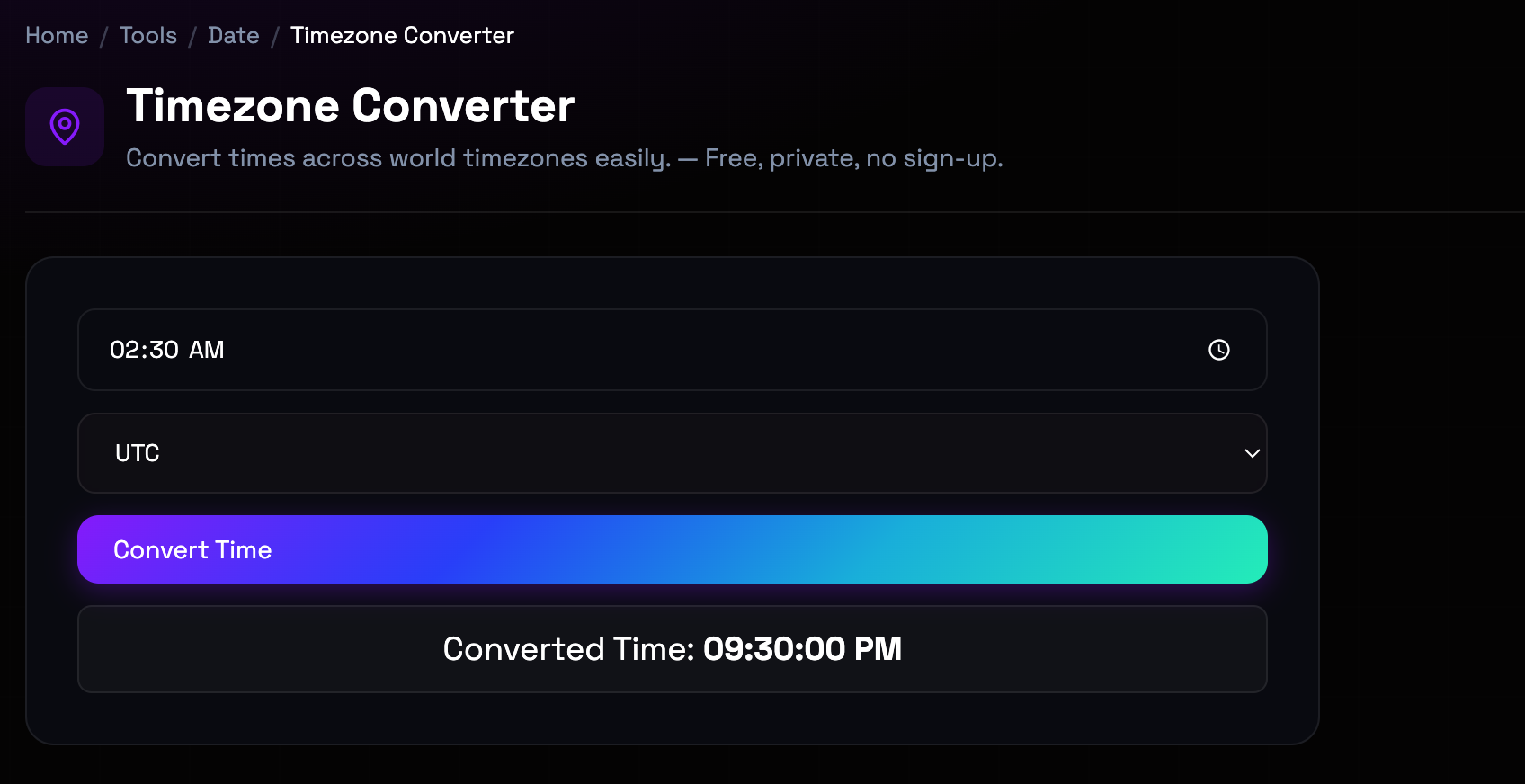
What is the Timezone Converter?
Timezone conversion is essential for global communication, scheduling meetings across regions, and coordinating international projects. Timezones are defined by their offset from UTC (Coordinated Universal Time), ranging from UTC-12 to UTC+14. The complexity increases with daylight saving time (DST), which shifts clocks forward or backward seasonally in many regions. Understanding timezone abbreviations (EST, PST, CET), 24-hour formats, and the difference between local time and UTC is crucial for avoiding scheduling errors. Modern timezone converters handle DST automatically using the IANA timezone database, which contains historical and future timezone rules for all regions.
Step-by-Step: How to Use It
- Select Source Timezone: Choose the timezone you're converting from. You can search by city name (e.g., 'New York') or timezone code (e.g., 'EST'). (source timezone dropdown with search functionality)
- Select Target Timezone: Choose the timezone you're converting to. Multiple target timezones can be selected for comparison. (target timezone dropdown with multi-select option)
- Set Date and Time: Enter the date and time you want to convert. The converter handles both 12-hour and 24-hour formats. (date and time input fields with format toggle)
- View Converted Times: See the converted time in all selected target timezones. DST adjustments are applied automatically. (results display showing time in each timezone with offset)
Top Use Cases
- International Meeting Scheduling: Find meeting times that work across multiple timezones by comparing local times and identifying overlapping business hours. Example: Scheduling a meeting between San Francisco (UTC-8), London (UTC+0), and Tokyo (UTC+9): the converter shows that 9 AM PST is 5 PM GMT and 2 AM JST next day.
- Event Coordination: Announce event times in multiple timezones so participants worldwide know when to join without manual conversion. Example: A webinar advertised as '3 PM Eastern, 12 PM Pacific, 8 PM GMT' ensures global participants know the correct local time.
- Travel Planning: Convert flight times, hotel check-ins, and activities to local time at your destination to avoid confusion during travel. Example: A flight departing at 2 PM EST arrives at 8 PM CET the same day. Converting helps plan ground transportation and dinner reservations.
- Project Deadline Management: Set deadlines in UTC and convert to team members' local timezones to ensure everyone understands when deliverables are due. Example: A deadline of '5 PM UTC' translates to 12 PM EST, 9 AM PST, and 6 PM CET, helping distributed teams coordinate submissions.
Things to Watch Out For
- Daylight Saving Time Transitions: DST transitions can cause confusion—times may occur twice (fall back) or not exist (spring forward) on transition days. Workaround: Always specify dates when converting times. Our converter handles DST automatically, but be aware of transition dates when scheduling around time changes.
- Timezone Abbreviation Ambiguity: Abbreviations like 'EST' can be ambiguous—Eastern Standard Time could refer to US Eastern Time or Australian Eastern Time. Workaround: Use city names or IANA timezone identifiers (e.g., 'America/New_York') instead of abbreviations for precision. Our converter uses IANA codes internally.
- Historical Timezone Changes: Timezone rules change over time—countries adopt or abandon DST, or change offsets. Historical conversions may not reflect current rules. Workaround: For historical dates, our converter uses the IANA database which includes historical timezone rules. For future dates far in advance, be aware that rules may change.
- Date Line Crossing: When converting across the International Date Line, dates may change by more than one day, causing confusion. Workaround: Pay attention to both time and date when converting across the Pacific. Our converter shows the full date and time to avoid confusion.
Frequently Asked Questions
What is UTC and how does it differ from GMT?
UTC (Coordinated Universal Time) is the primary time standard by which the world regulates clocks and time. It's based on atomic clocks and is more precise than GMT (Greenwich Mean Time), which is based on solar time at the Greenwich Observatory. For most practical purposes, UTC and GMT are the same (UTC is GMT with leap seconds added occasionally). UTC doesn't observe daylight saving time—it's constant year-round. When converting timezones, UTC is often used as the neutral reference point.
How does daylight saving time affect timezone conversion?
Daylight saving time (DST) shifts clocks forward by one hour during summer months in many regions. This changes the UTC offset—for example, US Eastern Time is UTC-5 in winter (EST) but UTC-4 in summer (EDT). Our converter automatically accounts for DST using the IANA timezone database, which contains the exact DST rules for each region. When converting dates, the converter knows whether DST is in effect for that specific date and applies the correct offset.
What are IANA timezone identifiers?
IANA timezone identifiers (also called tz database names) are standardized codes that uniquely identify each timezone. Examples include 'America/New_York', 'Europe/London', and 'Asia/Tokyo'. These codes are more precise than abbreviations like 'EST' or 'PST' because they specify the exact region and its timezone rules. Our converter uses IANA identifiers internally for accuracy. When you search for a city, we match it to the correct IANA identifier to ensure precise conversions.
Why do some timezones have half-hour or quarter-hour offsets?
While most timezones are offset from UTC by whole hours, some regions use half-hour or quarter-hour offsets for historical, political, or geographical reasons. Examples include India (UTC+5:30), Nepal (UTC+5:45), and parts of Australia (UTC+9:30). These unusual offsets typically result from local timekeeping traditions or political decisions to align with neighboring regions while maintaining distinct local time. Our converter handles all offset variations correctly.
How do I schedule a meeting across multiple timezones?
Use our converter to compare times across all participant timezones. Enter a proposed time in one timezone and see what time it is in others. Look for overlapping business hours (typically 9 AM-5 PM local time). Consider using UTC as a reference—propose times like '2 PM UTC' and let participants convert to their local time. For recurring meetings, be aware that DST transitions may shift local meeting times seasonally. Our converter helps identify these shifts.
What happens when I convert time across the International Date Line?
The International Date Line (roughly 180° longitude) separates one calendar day from the next. When converting timezones that cross this line, the date may change by more than one day. For example, 5 PM on Tuesday in Tokyo (UTC+9) is 1 AM on Tuesday in Los Angeles (UTC-8)—earlier the same day. However, 5 PM Wednesday in Tokyo is 1 AM Wednesday in Los Angeles. Our converter shows both time and date, making these date changes clear. Always check the date when converting across the Pacific.
Ready to get started?
Access the tool immediately. No sign-up or credit card required.
Open Timezone Converter